Advanced Restaurant for WooCommerce
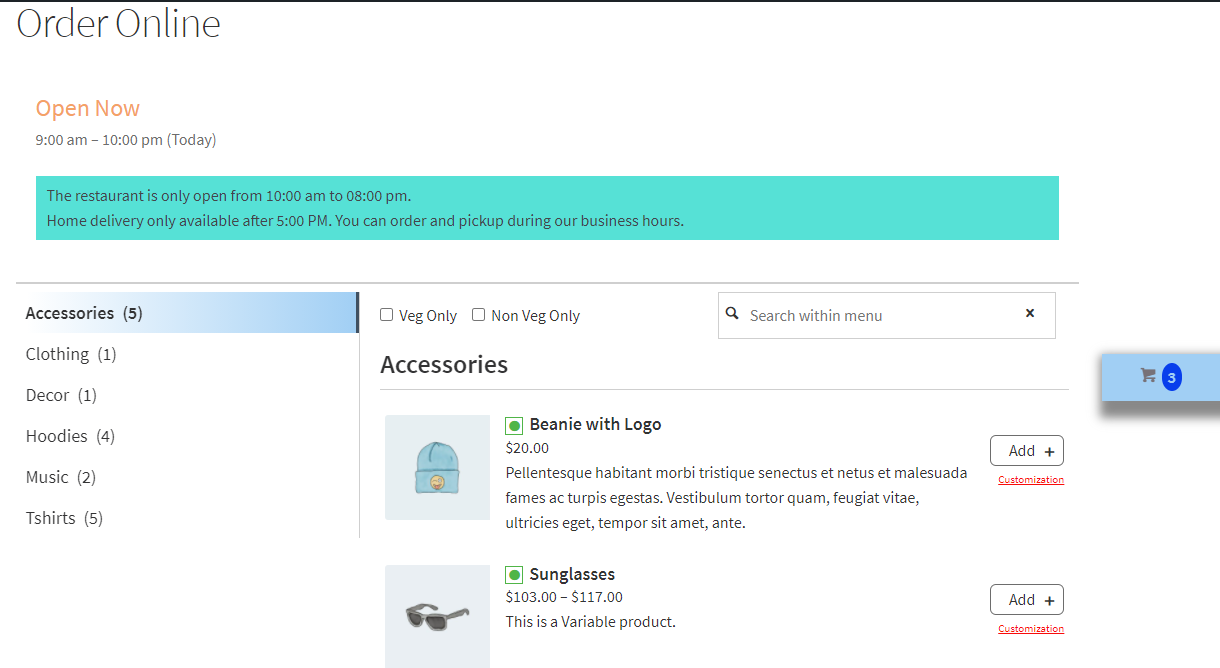
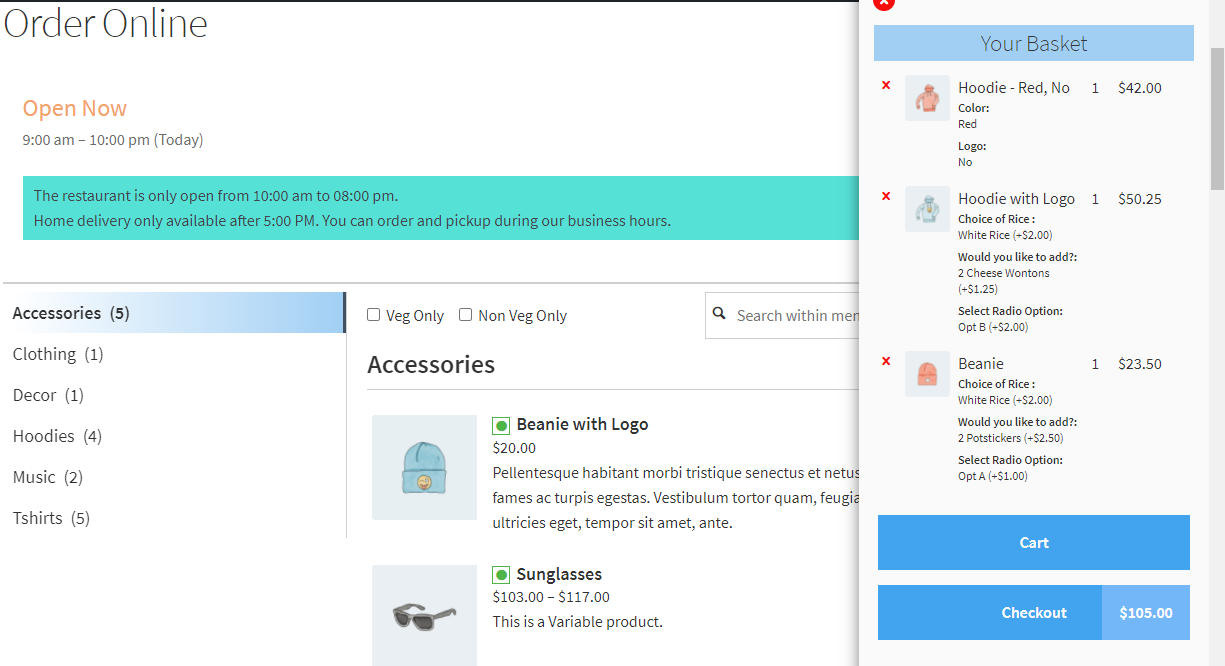
Advanced Restaurant for WooCommerce allows you to create a quick and user-friendly one-page online menu and order system. It allows your customers to add products in their basket without navigating different pages. it supports simple and variation type of products and customer can add all products in their cart without leaving the menu page.
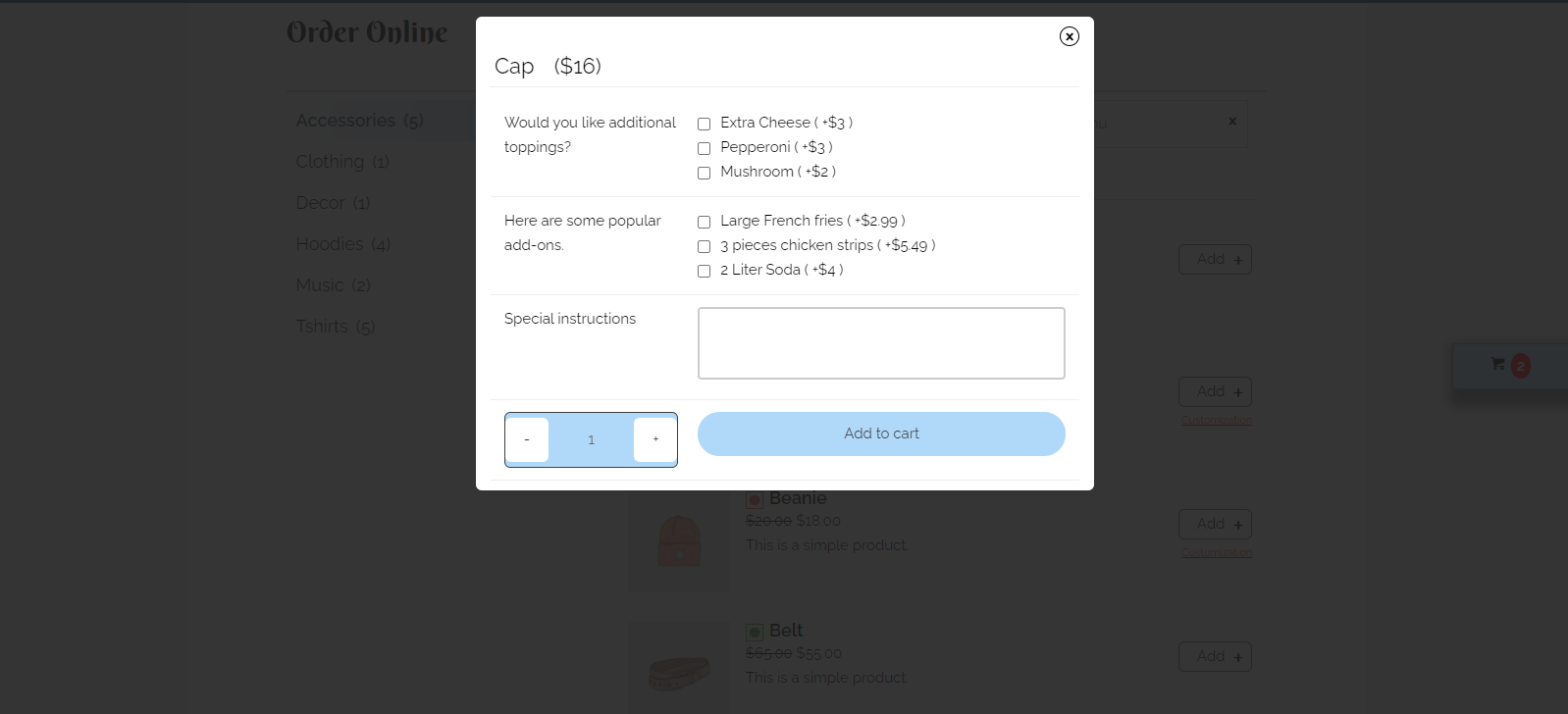
You can add multiple product addon options using the PPOM for WooCommerce Plugin. it’s optimized for mobile, desktop and other devices.
- Sell all products on one page.
- Support simple and variable products.
- Support PPOM for WooCommerce, you can add additional product options using PPOM for WooCommerce Plugin.
- Ajax based add to cart and fixed sidebar cart.
- Real time search and filter in menu items.
- Display delivery day and time selection fields on checkout and customer will be able to pick date and time.
- Manage day and time from backend settings.
- Manage colors and display settings without coding from backend.
- Display info message at top of menu for customers.
- Display close message at top of menu if you are not accepting deliveries for specific day.
- Display your opening hours info at top of menu for customers.
- Enable/disable search bar and Veg/Non-Veg Filter from top of menu.
- Enable/disable sidebar cart on menu page.
- Translation ready.
- Quick Support.

- Version : 1.0
- Tested up to : 6.9
- Rating : 5.0
- One Time Payment
- Fast Free Support
- Regular Updates
Our Popular Plugins
- Version : 1.5
- Tested up to : 6.9
- Rating : 4.5
- One Time Payment
- Fast Free Support
- Regular Updates
Collection for WooCommerce provides an easy way to automatically assign products to their relevant product categories based on defined conditions/rules in product categories.
It checks product title, tags, category, inventory and global attributes against rules created in various categories and it assign the categories based on conditions and rules
it works the same way like shopify collections, you can create multiple category rules based on product title, tags, categories, inventory and global attributes.
- Version : 2.4
- Tested up to : 6.9
- Rating : 4.9
- One Time Payment
- Fast Free Support
- Regular Updates
The User Manager for Polylang plugin allows the WordPress administrator to limit the Editor or Shop Manager (woocommerce) User Role from accessing all available content and languages.A user restricted with User Manager for Polylang will only be able to access the assigned language or content in the WordPress admin dashboard.
The editor won't be able to browse or edit any available content in the WordPress admin dashboard until WordPress admin allows him to access specific content in a specific language.
It helps site owners to allow limited access for different language translators, so a translator that is limited to accessing a language won't be able to touch content in another language.
- Version : 1.6
- Tested up to : 6.8
- Rating : 5.0
- One Time Payment
- Fast Free Support
- Regular Updates
Multi Currency for Polylang woocommerce allows you to display different currency and product price based on the language customers are using.
Customer will see the different currency and product price according to switched language and setup in the backend, customer will be able to add to cart and will be able to place order according to switched language and price - currency.
Shipping and other charges will be converted according to base currency and the rate setup in settings.
The Woocommerce Partial Shipment plugin helps to manage partially shipped orders in woocommerce. The store manager or admin can ship ordered products quantity in parts and can keep records in the backend.
It will add a new order status "Partially Shipped" and if any order is partially shipped, the order status will be changed to "Partially Shipped" and will be automatically marked as completed once all the ordered quantity is shipped to the customer.
A customer can see the quantity of partially shipped products on the order details page in their account section.