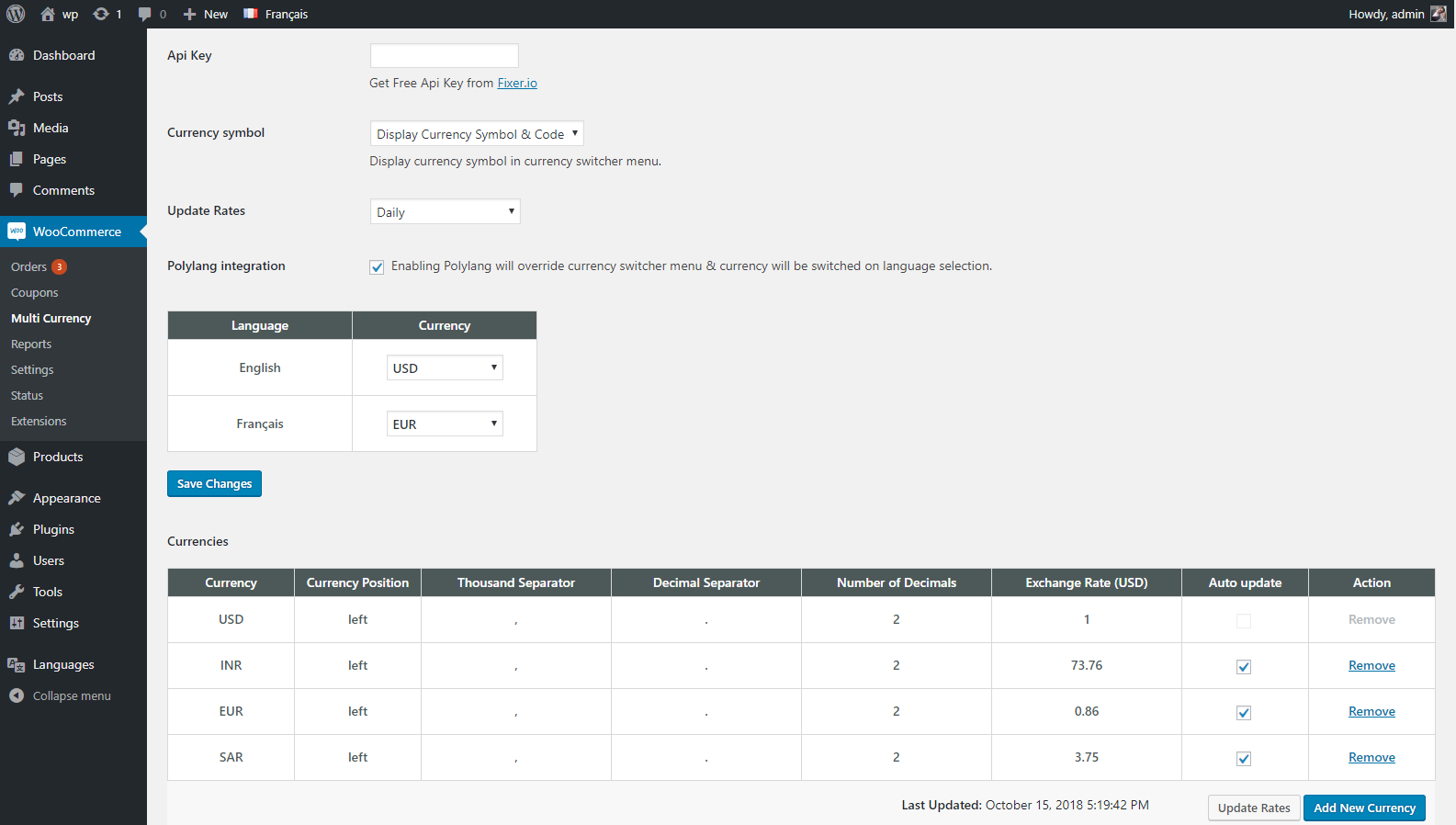
Multi Currency Pro for Woocommerce allows your customers to switch between currencies and helps your store accept payments in multi-currency. The exchange rate can be set up manually or automatically.The shipping Cost, Tax or any other charges in cart will be auto converted according to base currency rate, No need to set up anything extra.it will require https://fixer.io/ API Token to get currency rate update based on regular interval, if you don't want to get API rates then just setup the rates manually and it will start working.
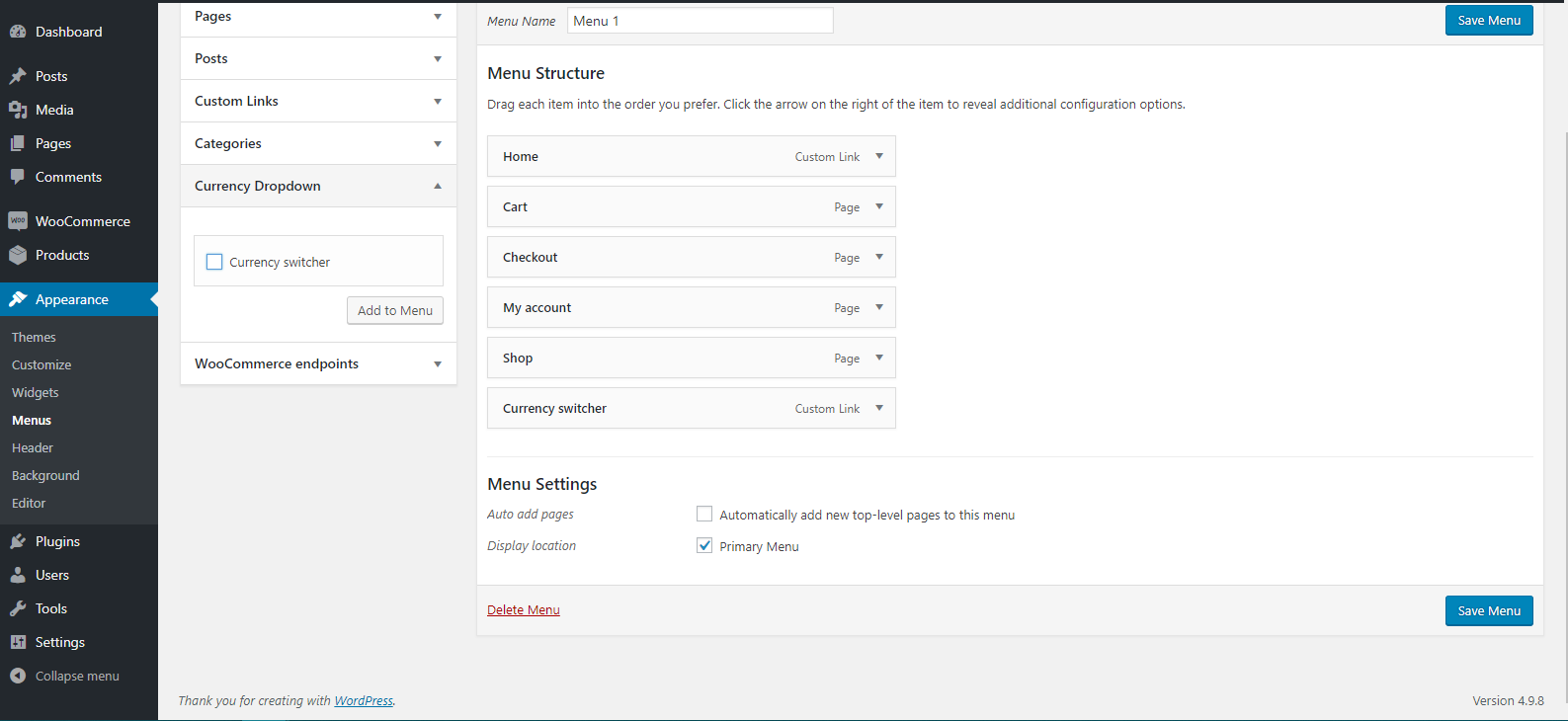
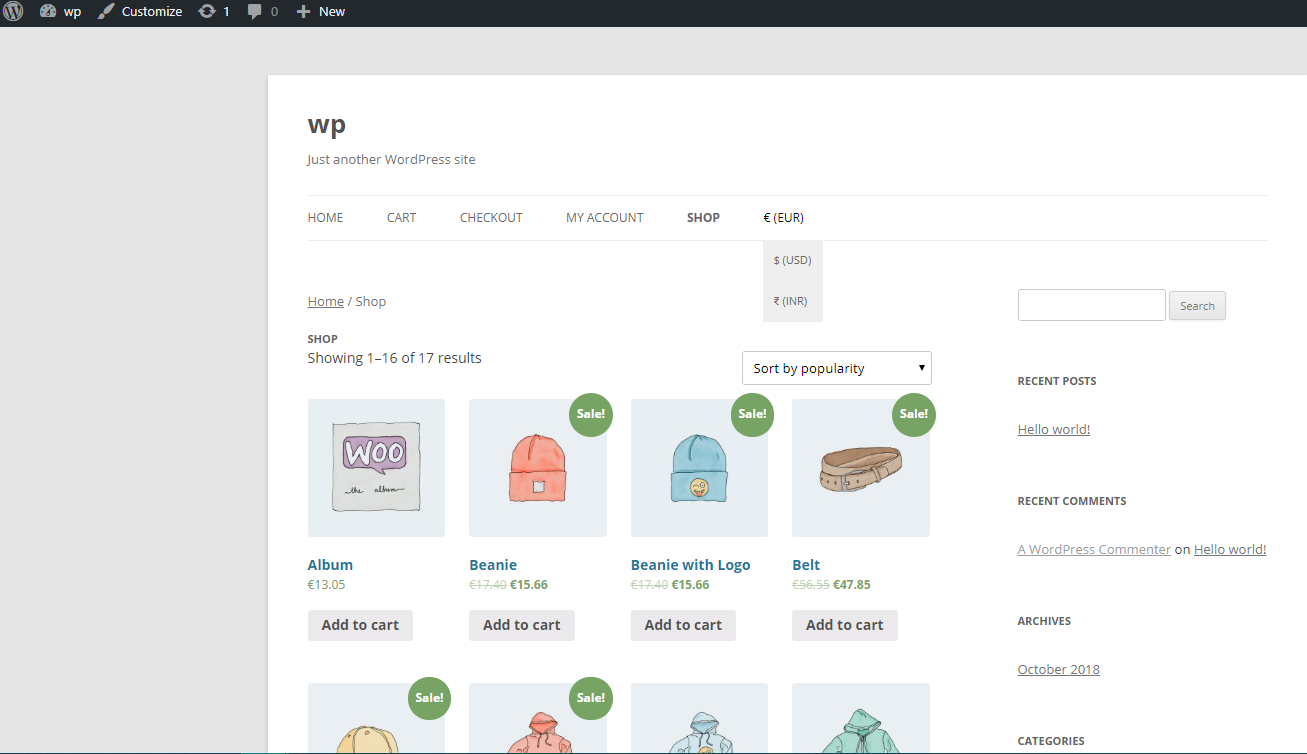
- Display price switcher dropdown in menu.
- Allows your customer to switch prices in different currencies.
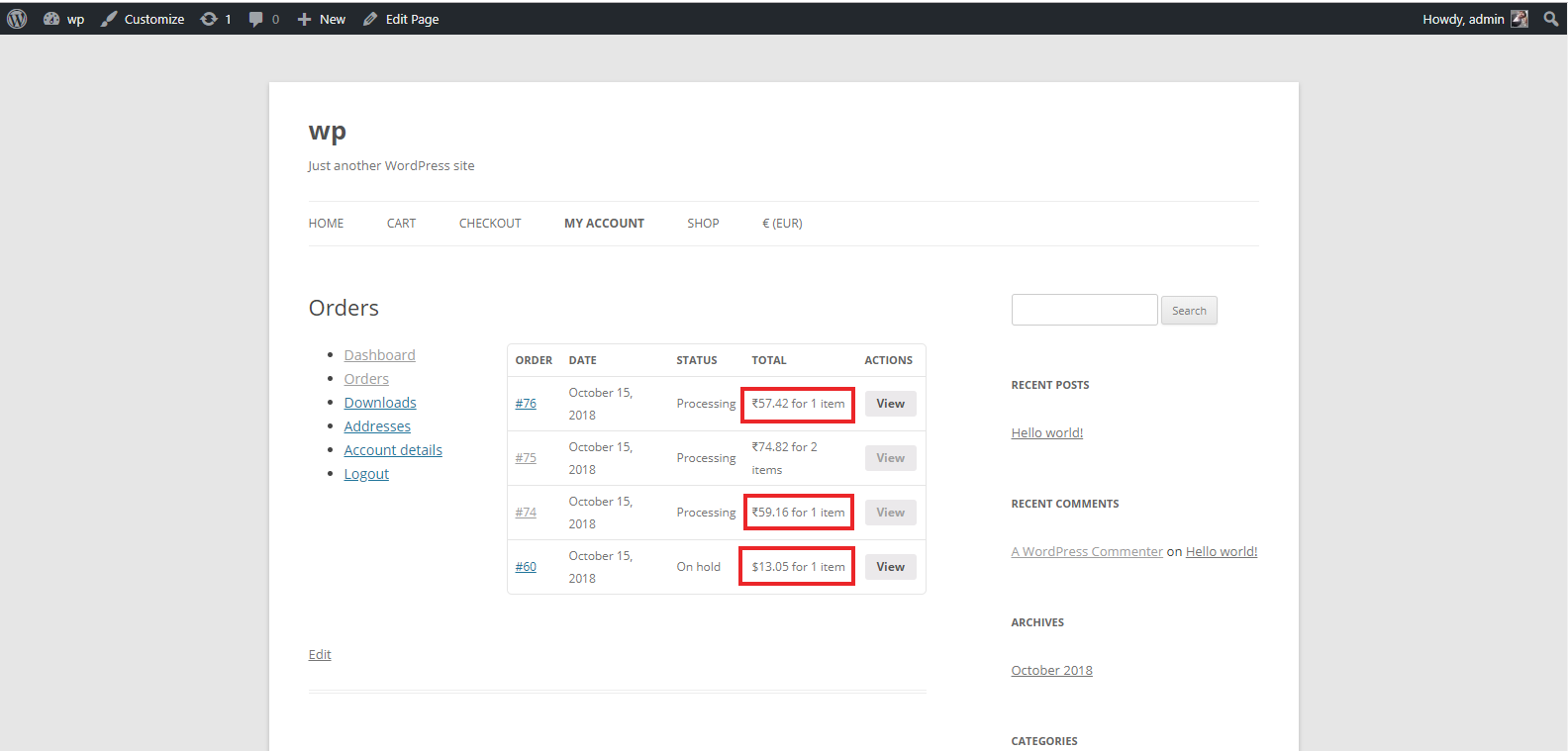
- Allow you to accepts payments in multiple currencies.
- Update currency rates on hourly/twice a day/daily basis.
- you can choose fixed manual rates or auto updated rates.
- No need to setup anything extra, it will auto convert your shipping, Taxes and everything in selected currency.
Installation
1. Install and activate Woocommerce Multi Currency Lite.
2. Navigate Multi Currency page(Woocommerce >> Multi Currency).
3. Api Key from fixer.io and save settings.
4. Add currencies using “Add New Currency” button.
5. Use “Update Rates” button to update currency rates.
6. Go to Appearance >> Menus and add Currency switcher to your menu where you want to display currency switcher.